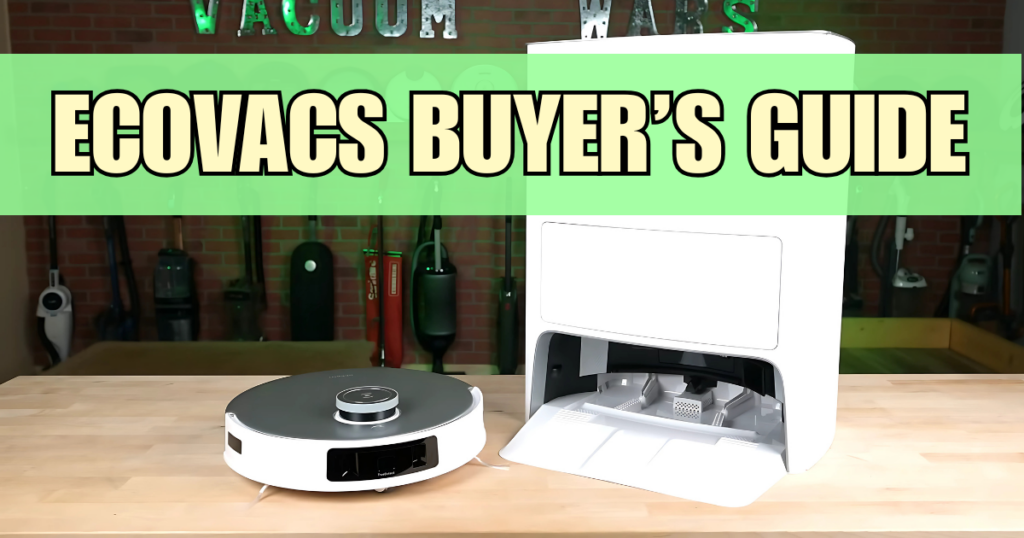
Our focus today is on a robot vacuum that, up until a few days ago, ranked number one on the Vacuum Wars top 20 robot vacuum list—the Ecovacs X9 Pro Omni. We’ve been using it for several weeks since our initial review and have found some recurring issues, partly by researching complaints on Amazon, Reddit, and various forums.
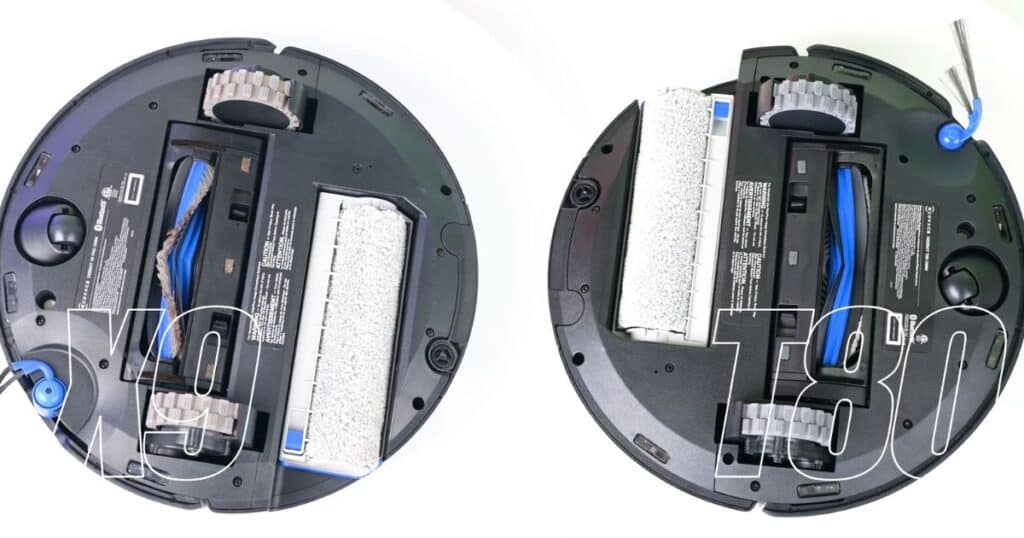
While the Ecovacs X9 Pro Omni is the primary focus, this issue and solutions report can also be applied to the Ecovacs T80 and, to a certain degree, the T50 series. These recent Ecovacs products have very similar hardware and software.
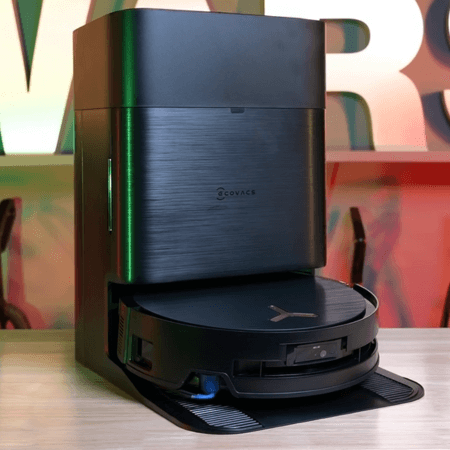
The Ecovacs X9 Pro Omni isn’t just another robot vacuum—it swept five major categories at Vacuum Wars for mid-2025: Best Overall, Best Mop, Best for Hard Floors, Best for Carpets, and Best for Pets. With an impressive 16,600 Pa of BLAST airflow suction, paired with an OZMO Roller that self-washes to eliminate streaks, it tackles everything from fine dust to stubborn pet hair. ZeroTangle 3.0’s V-shaped roller and anti-tangle side brushes keep brushes clear, while the Triple Lift System automatically raises the mop, side brush, and main brush to adapt seamlessly between floors. AI-driven AIVI 3D 3.0 navigation and LiDAR mapping master any layout and avoid obstacles, even in low light, and TruEdge 2.0 sensors ensure edge-to-edge coverage. Its OMNI Station washes, heats-dries, and refills for up to 150 days, backed by a 6,400 mAh battery and full Alexa, Google Assistant, and Matter compatibility. In our rigorous 100-point evaluations, no other model matched its all-around prowess—earning it more awards than any other mid-year contender. See additional info
Price as of March 24, 2026
Auto Empty Station: Self Empties Debris | Washes Mop Roller | Washes Mop Roller with Hot Water | Dries Mop Roller | Dries Mop Roller with Heated Air| Self Cleaning | Dirty Water Sensor
Mopping: Lifts Mop Roller on Carpets | Extending Mop Roller for Hard to Reach Areas
Hardware: 20mm Threshold Crossing | Removes Hair from Brush Roll
Performance: Carpet Boost Settings
Mapping / Navigation: Multi Level Maps | Virtual Barriers and No Go Zones
Obstacle Avoidance: 100 Objects Recognized
Pet Features: Live Video Monitoring | Pet Checkup or Similar
Controls: Virtual Assistant Options
| Scores | Ecovacs X9 Pro Omni | Average Robot Vacuum Tested |
|---|---|---|
| Vacuum Wars Overall | 3.68 | 2.58 |
| Features | 4.0 | 3.28 |
| Mopping Performance | 3.95 | 2.39 |
| Obstacle Avoidance | 3.96 | 3.39 |
| Pet | 4.84 | 3.42 |
| Navigation | 3.40 | 3.21 |
| Battery | 2.41 | 2.56 |
| Performance | 4.35 | 3.56 |
| Official Battery Life: 200 Minutes | Navigation Type: Embedded dToF Lidar |
| Official Suction Power: 16600 Pa | Dust Bin Size: 220ml |
| Obstacle Avoidance Type: Single Camera, LED, 3D Edge Sensor, & 3D Structured Light | Objects Recognized: 100 |
| Multi Level Maps: Yes | Virtual Barriers: Yes |
| Detergent Capacity: unknown | Disposable Bag: 3L |
How to Fix Common Issues with the Ecovacs X9 Pro Omni
Navigation Glitches
Based on our experience and user reports, all the latest Ecovacs products (mainly the X9 and T80) appear to suffer from various navigation-related issues, particularly during the mapping process.
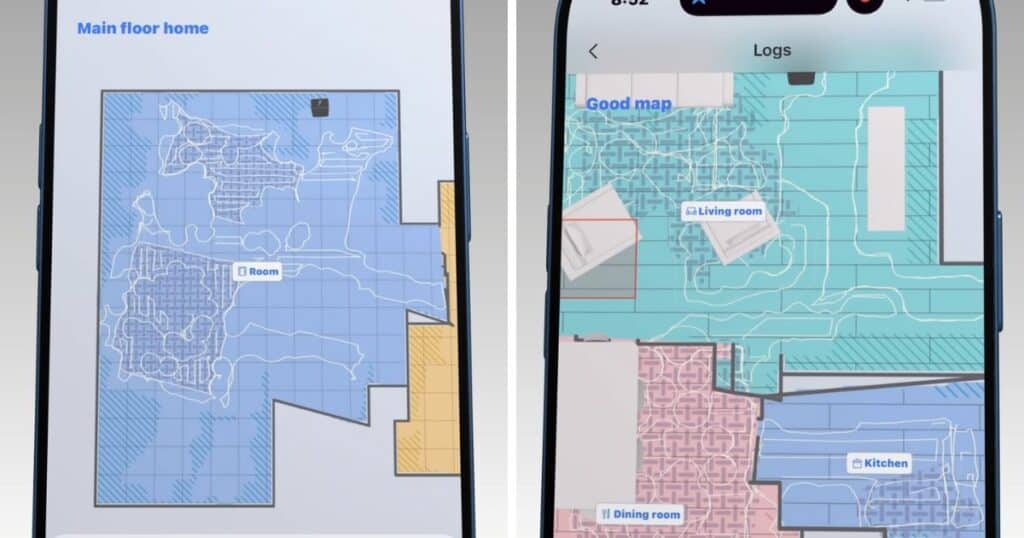
Several users complained that the robot got lost, failed to return to its base correctly, took unusual routes, neglected to clean certain rooms, and performed other bizarre actions.
And we experienced those issues as well. The map made by our X9 Omni was bad, although you couldn’t tell from just looking at it. We only noticed because the robot vacuum didn’t seem to know what it was doing: it would be erratic, it would not return to its base correctly, it was a mess in lots of different ways.
We almost released an emergency Vacuum Wars video apologizing for ever recommending the X9 or T80. However, we attempted to resolve the issue instead and succeeded. Thankfully, we believe we found a solution for users who’ve complained about their Ecovacs X9 Omni not creating a correct map, or the map being skewed or incomplete.
Solution
We first suspected that the root issue of these navigation problems was a faulty map, so we deleted it. Then, we remapped the floor plan, but the problem remained. What ended up working for us was turning the robot physically off and then on again, and then remapping the area. This resolved the problem of poor navigation and failure to return to its base.
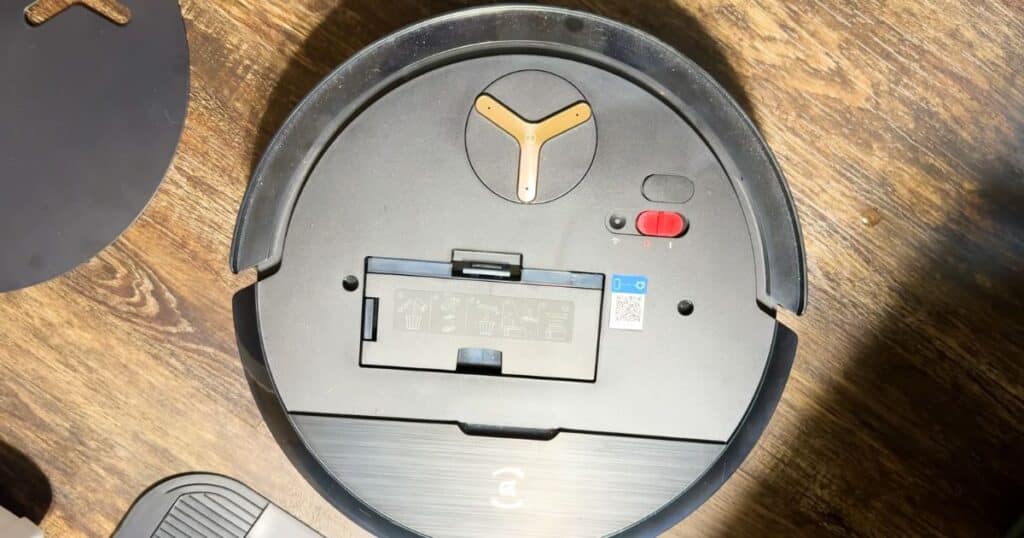
In our case, that was several weeks ago. And since then, it has gone on 15 successful missions, each lasting about 50 minutes, without getting stuck. It also returned to its base perfectly, except for one occasion where it seemed to stop for no reason in front of a table leg and declare itself stuck.
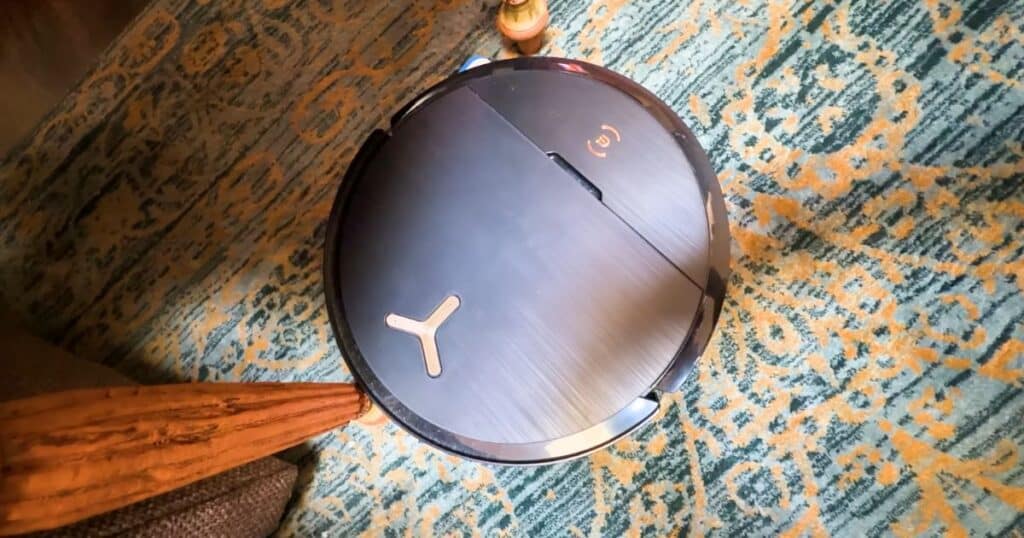
In that situation, we simply had to press the button to restart the robot vacuum, and it completed the run successfully. We also noticed the same issue with the Ecovacs T80 during our initial review and mentioned it at that time.
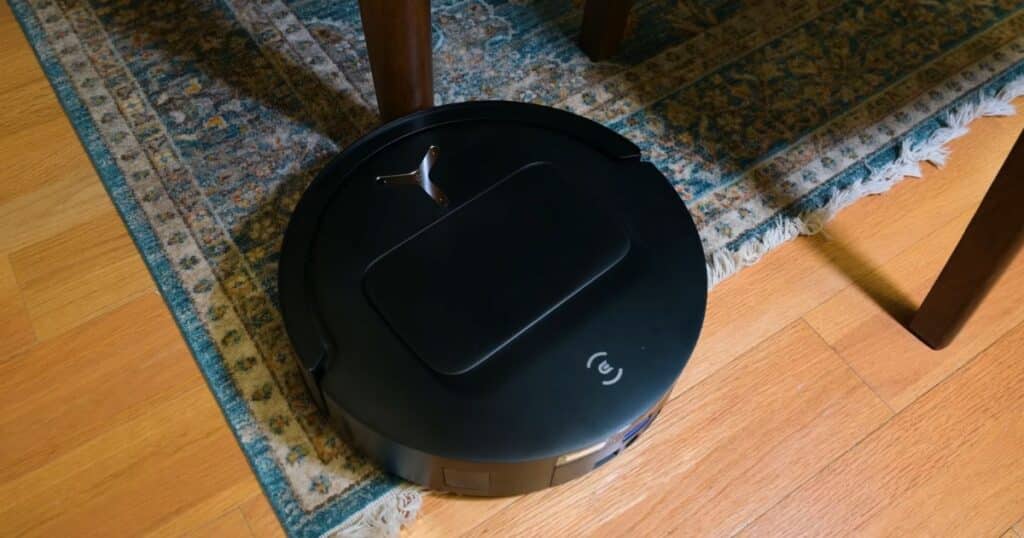
Hopefully, rebooting or performing a hard reset, followed by remapping, will help resolve navigation-related issues for most people experiencing navigation problems.
But, in general, the navigation on the new internal LiDAR robot vacuums (like the new Ecovacs models) isn’t our favorite. We feel it’s a downgrade from the simpler top-mounted LiDAR systems, even if they work as intended.
It’s also a good idea to check if there are any firmware updates available in the app that you can download. Ecovacs could release updates to address some of these issues. And if all else fails, you can call support or return the Ecovacs X9 or T80 Omni.
Mopping Streaks
Another common issue with the Ecovacs roller mop, such as the X9, T80, or some of the T50 models, is mopping streaks.
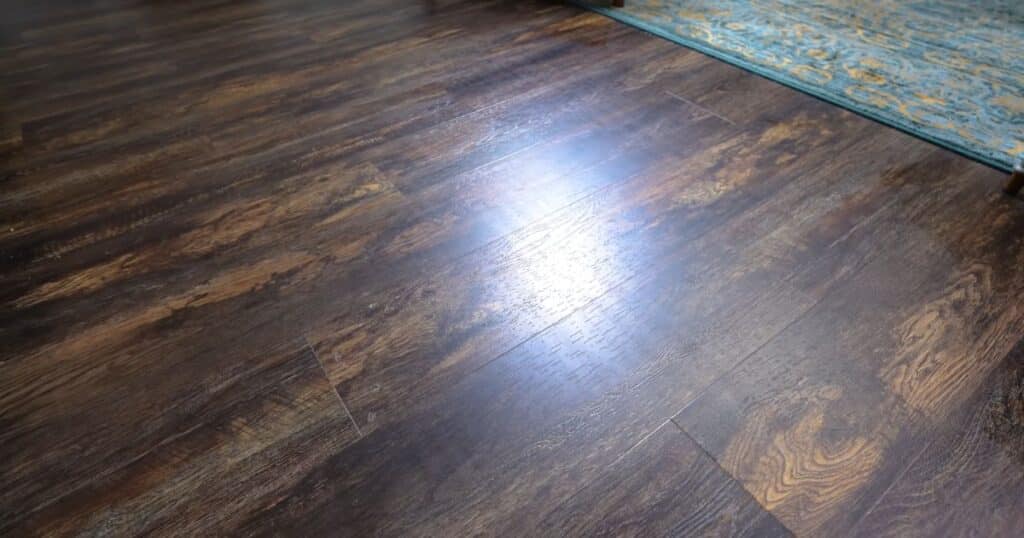
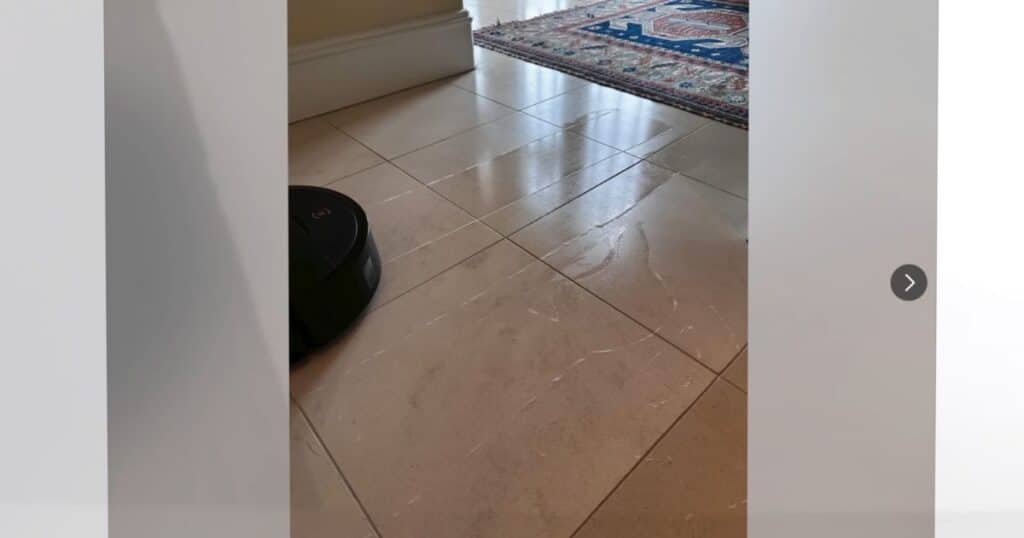
In the case of the X9 or T80, users report that the mop leaves behind oddly patterned dry streak lines. This is something we also noticed when we were mopping with only water.
Solution
We resolved the issue by adding the included mopping solution to the Ecovacs X9’s tank. Once we added the solution to the solution tank and ran it a few more times, we stopped seeing streaks.
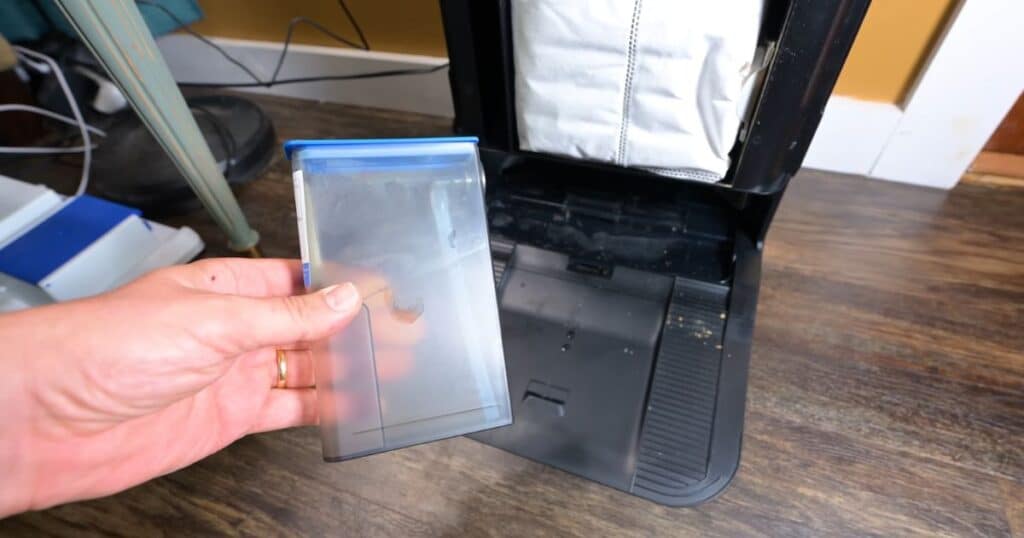
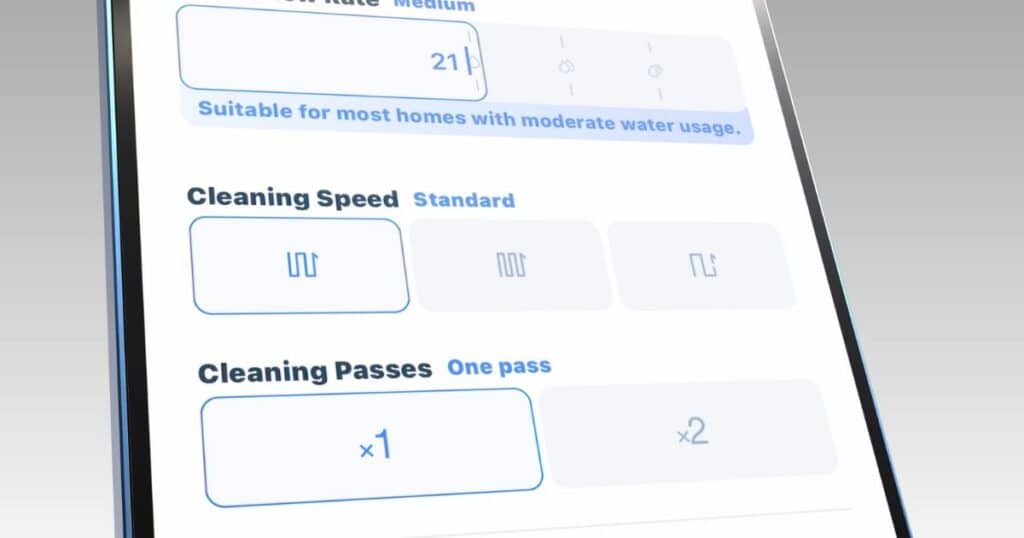
However, something else may have contributed to resolving the mopping streak problem. That’s because we also switched from using quick navigation to standard navigation. This makes the spaces between its paths closer and slower. So, it could have been that, or the mopping solution, or a combination of both, that resolved the streaks issue for us.
Interestingly, the Reddit post mentioning the streaking problem is for the T80 Omni, which is similar to the X9 Omni in most ways, but the T80 doesn’t have a mopping solution tank. Therefore, if you want to add a mopping solution, you must add it directly to the water.
Additionally, several Ecovacs users confirm that the mopping streak issue was resolved by adding a cup of mopping solution to the water tank. However, don’t add too much solution, or you might get a sudsy mess. Some users reported that their mop was putting out too much water and leaving behind suds. They may be using too much solution.
And lastly, some users suggested that lowering the water levels in the app may be effective. However, in our evaluation, the X9 and T50 didn’t produce excessive water on either low or high water settings. We suspect there’s another, rarer problem in the case of the robot leaving large amounts of water behind. Best to contact support if you experience this particular issue.
App Issues
Some people complained about the app. In general, the app is user-friendly; however, the initial mapping process is less intuitive to understand than with competitor apps, particularly when it comes to map editing.
When you split and merge rooms, adjust walls, and so on, it’s pretty tedious and glitchy. One user said, “Mapping is a challenge. Interior walls are hidden, and it takes a lot of trial and error to divide rooms.”
Solution
We also experienced this, and it was part of our initial frustration. And unfortunately, there’s no fix. You just need to spend more time than usual setting up your map. Still, it may not be straightforward for new users who’ve never set up a map before. So they may give up before completion.
Final Thoughts on the Latest Ecovacs
There were a few other, less common complaints with the latest Ecovacs products, but these were by far the most common. No robot vacuum is perfect, and issues like this are unfortunately inevitable. We hope that our commitment to conducting in-depth research into the problems users are facing will help consumers make more informed decisions.
Want to help your robot vacuum clean better?
Keeping it in top condition only takes a few minutes each week. Our complete Robot Vacuum Maintenance Guide covers everything from emptying bins and cleaning filters to caring for mop pads and multi-functional docks—so your robot keeps running at peak performance for years to come. Read the full guide →
Ecovacs Robot Vacuum Buyers Guide 2026
We break down the most important differences across the Ecovacs robot vacuum lineup. From affordable models to advanced units packed with high-tech features, we’ll help you figure out which upgrades are worth investing in and which ones you might not need. Whether you’re shopping for a smart cleaning assistant on a budget or looking to splurge on a premium option, our guide will walk you through everything you need to know to find the right Ecovacs robot vacuum for your home. See the Guide